

Match every App device to its physical equipment, then assign operating times, access permissions and responsibility for alerts.
With several pumps on a farm or equipment project, remote management involves more than switching them on and off. Which device serves each field? Has today's schedule changed? Who can operate it, and who checks a power-loss alert?
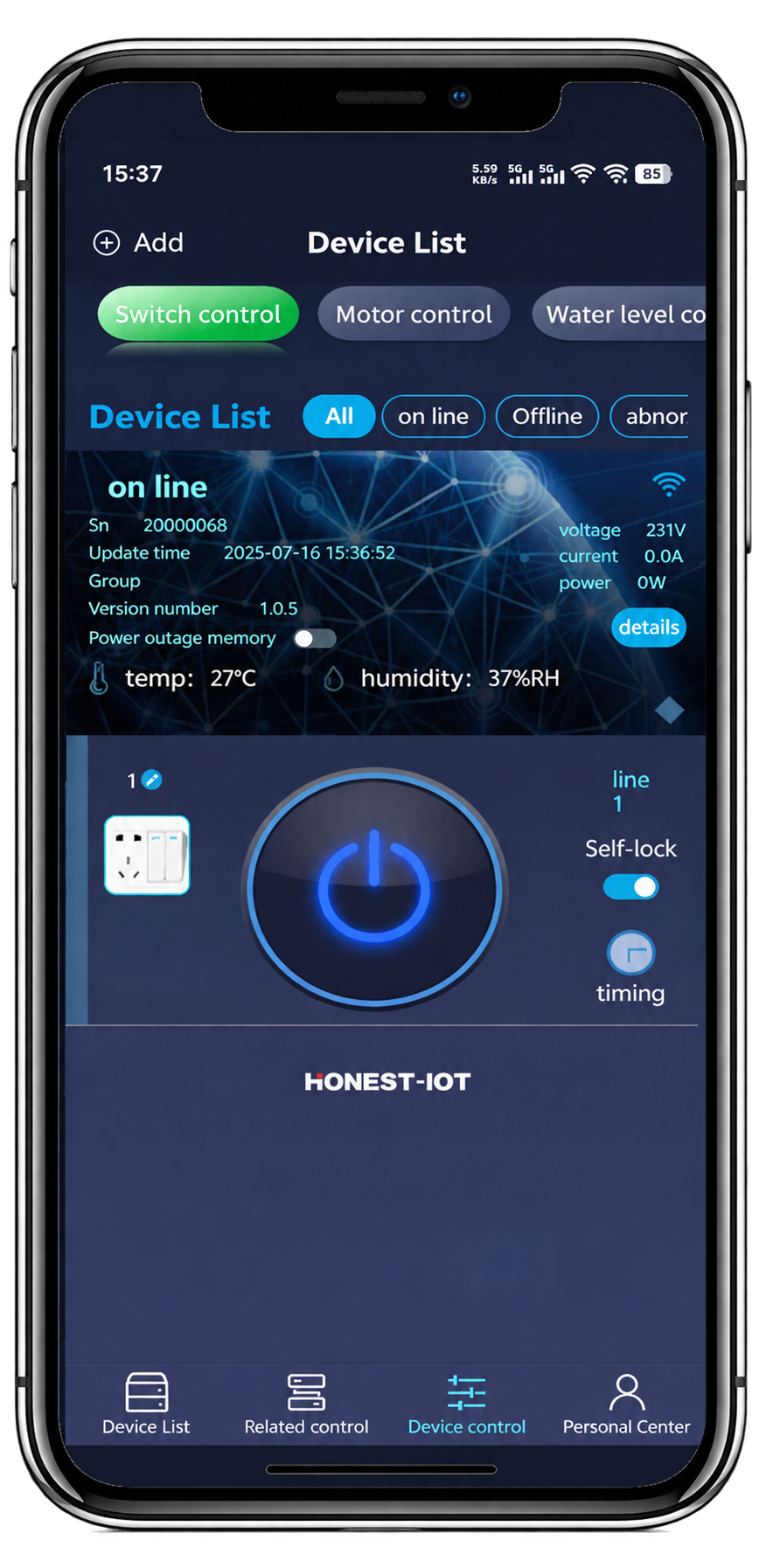
HONEST-IOT lets you add multiple HT-2401G devices, set multiple schedules and cycles, and manage shared permissions. Clear records and responsibilities make these features easier to use.
Multiple-device management means managing separately added control devices in the App. It does not mean one controller can independently operate any number of pumps.
Give each device a recognisable name
Use names that identify both location and purpose.
| Example device name | Purpose | Site contact |
|---|---|---|
| East irrigation pump 1 | Water for the eastern field | Record on site |
| Greenhouse refill pump | Fill the greenhouse tank | Record on site |
| South pond aeration | Southern aquaculture area | Record on site |
Swipe sideways on small screens to view the full table.
These are examples, not customer installations. Match the App name to the site label and device number, and keep nameplate and installation photographs. When a check is needed, the team can identify the equipment without relying on an unexplained number.
Build schedules around the work
HT-2401G supports multiple schedules and cyclic operation. Before setting them, define when equipment should run, who checks it and when a person must make adjustments.
- Which field or area does the device serve?
- What are the start and stop times?
- Should the task repeat?
- When should it be changed or cancelled?
- Who checks the actual result?
Plan irrigation around water supply and farming needs; plan aeration around the site's management requirements. A timer does not automatically measure plant water demand, tank level or dissolved oxygen.
While power remains available, configured timers and cycles continue during a network outage. Change settings after connectivity returns. For sensor-triggered operation, tell us what you need to measure and control so we can help select an appropriate solution.
Coordinate times with power and water capacity
If several pumps are scheduled to start together, have the installer check whether the electrical supply and water system can support it. Decide whether to stagger starts or group equipment according to the actual installation.
Observe a complete operating cycle before routine use. Check the right equipment starts and stops at the intended times, and agree how problems will be handled.
When work plans change, review existing schedules so old and new tasks do not conflict. For cross-region operation, also check that the displayed time matches local site time.
Assign permissions and responsibilities together
An HT-2401G administrator can share devices, assign control permissions, and add or remove users. The team should also agree how those permissions are used.
For example, one person manages accounts, another maintains operating schedules, and on-site staff observe equipment and respond to problems. Use the access controls available in the App.
- Who may operate each device?
- Who may change its schedule?
- Who informs the team about a temporary shutdown?
- Who removes access when a person leaves?
Record the arrangements in a handover sheet instead of relying only on verbal instructions.
Use operating readings as a reference
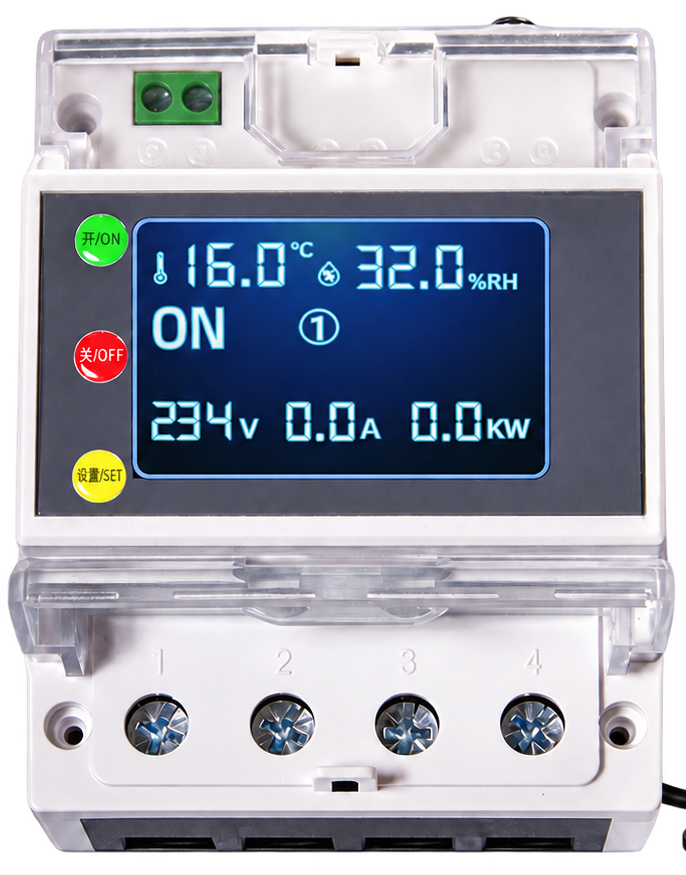
HT-2401G displays voltage, current, power, ambient temperature and humidity, and switching state. Keep notes of normal operating readings alongside site conditions to help with communication and checks.
A changed reading requires investigation; a single value does not establish the cause of a fault. Switching state also does not replace checking actual water delivery, piping or work results.
What should happen after a power-loss SMS?
HT-2401G power-loss alerts are primarily sent by SMS to your phone and are supported in regions where mobile control is available. After an alert, contact the person responsible for that device to check the supply.
Use a simple response process: someone reads the message, contacts the site, confirms what happened and records the outcome. Alerts communicate information; checking and restoring the installation still require action by your team.
Tell us about your device-management needs
Share device numbers, locations, loads, network conditions, intended operating patterns and user numbers. HONEST can help you select HT-2401G configurations and management functions for procurement, installation training and handover.
Discuss multiple-device management
List your devices, their locations and how your team will use them.